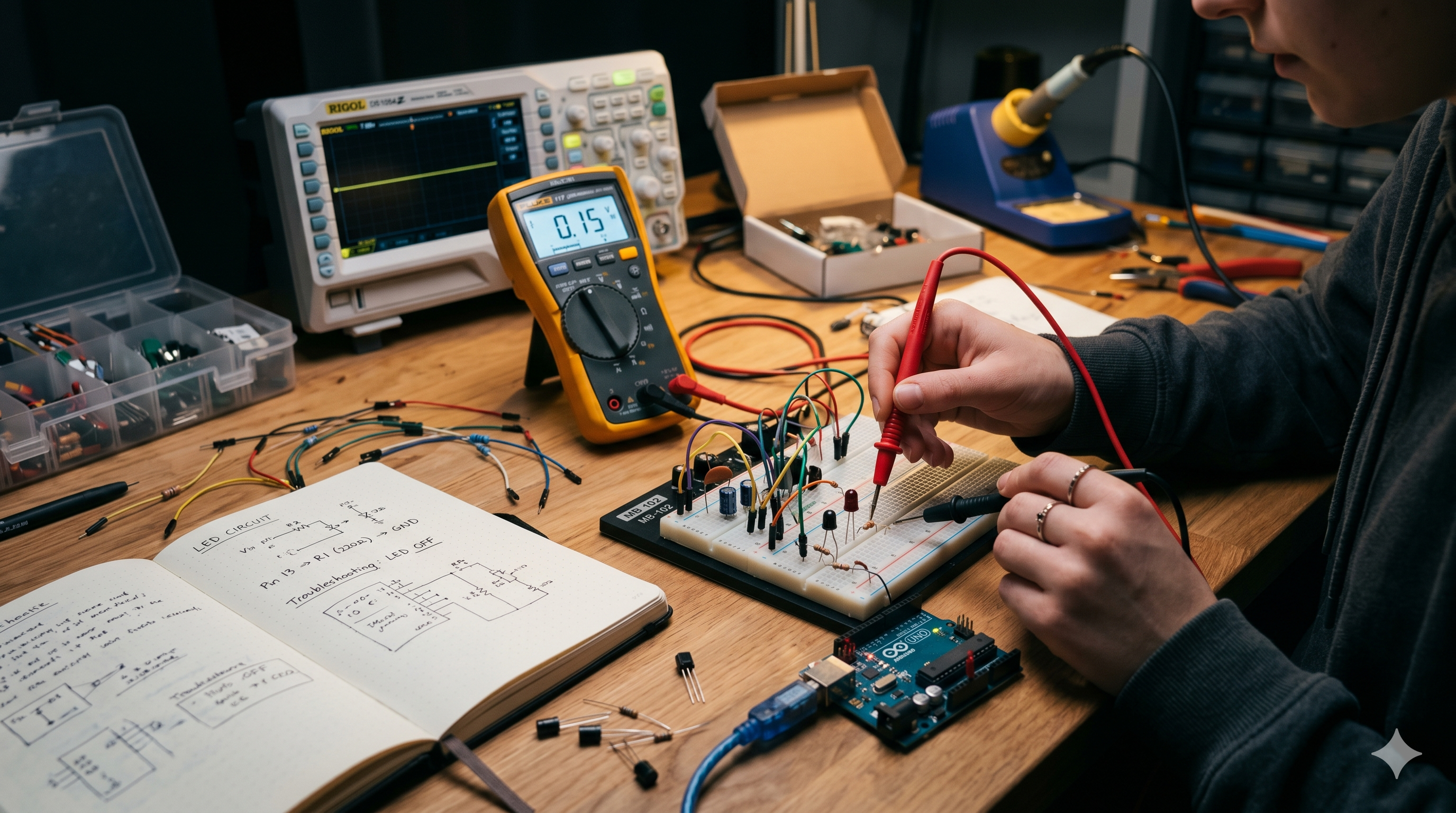
Circuit Not Working? 10 Beginner Electronics Mistakes You Must Check First
If you built your circuit, powered it on, and… nothing happened — don’t worry.
This is one of the most common experiences in electronics.
The good news? Most non-working circuits fail because of simple beginner mistakes, not because your components are bad.
Let’s go step by step and fix it.
1. Your Power Supply Isn’t Actually Reaching the Circuit
Before checking anything complicated, verify power first.
Check:
- Is the battery charged?
- Is VCC connected properly?
- Is GND connected properly?
- Is polarity reversed?
- Is your power switch ON?
Quick Fix:
Use a multimeter and measure voltage across your power rails.
If your circuit needs 5V, you should read approximately 5V.
2. Breadboard Rows Are Wrong
Breadboards confuse almost everyone at first.
Common Mistakes:
- Wire inserted one row off
- Components placed in the same connected row by mistake
- Forgetting the center gap disconnects both sides
- Split power rails not bridged
Quick Fix:
Follow each row carefully before powering.
3. LED Is Backwards
LEDs only allow current in one direction.
Remember:
- Long leg = Positive (Anode)
- Short leg = Negative (Cathode)
Quick Fix:
Reverse the LED orientation.
4. Missing Resistor Burned or Blocked Your LED
Without a resistor, LEDs can fail instantly.
Use Ohm’s Law:
V = I × R
Example:
For 5V supply:
- LED drop = 2V
- Current = 20mA
Recommended resistor: 220Ω–330Ω
5. Jumper Wire Failure
Not all jumper wires are reliable.
Symptoms:
- Circuit works only when moved
- Random flickering
- No power sometimes
Quick Fix:
Replace wires one by one.
6. Wrong Component Orientation
These components have polarity:
- Diodes
- Electrolytic capacitors
- IC chips
- Transistors
Example:
Electrolytic capacitor stripe = Negative
Warning:
Wrong orientation can damage parts.
7. No Common Ground
Using Arduino, sensors, or motor drivers?
Rule:
All modules usually need shared GND.
Without it:
Signals may fail completely.
8. Missing Decoupling Capacitor
A 100nF ceramic capacitor near an IC can prevent:
- Random resets
- Noise
- Glitches
- Voltage dips
Pro Tip:
Place it between VCC and GND close to the chip.
9. Wrong Transistor Pinout
Many beginners assume all transistors have the same pin order.
They don’t.
Fix:
Always check:
- Base
- Collector
- Emitter
Use datasheet before wiring.
10. Building Everything Before Testing
This creates troubleshooting chaos.
Better Method:
Test one section at a time:
- Power
- Input
- Processing
- Output
Golden Rule:
Find where the signal stops.
60-Second Troubleshooting Checklist
Power:
- Battery charged?
- Voltage correct?
- Polarity correct?
Wiring:
- Breadboard rows right?
- Jumper wires okay?
- Ground shared?
Components:
- LED direction right?
- Resistor present?
- IC orientation correct?
Bonus Pro Tip: Use Continuity Mode First
Before powering: Check resistance between VCC and GND
If it beeps:
You may have a short circuit.
Final Thought
Most beginner electronics problems are caused by:
- No power
- Wrong polarity
- Loose wires
- Breadboard mistakes
Troubleshooting is a skill.
The faster you learn systematic debugging, the faster you become good at electronics.
Don’t guess. Measure.
FAQ
Why is my breadboard circuit not working?
Usually due to wrong wiring rows, loose jumper wires, or power issues.
How do I test if my LED is damaged?
Use a coin cell battery with a resistor.
What tool is essential for troubleshooting?
A digital multimeter.
Can reversed polarity damage components?
Yes — especially LEDs, capacitors, and ICs.
You may also like:
- Understanding Resistors — The Traffic Police of Electronics
- Why Your Circuit Isn’t Working — Common Mistakes and Fixes
Share this article